How to Use Google Analytics to Improve Campaigns
1 January 2026
Marketing campaigns without data are like driving with a blindfold on—you won’t know which way to turn, and you’ll probably crash. That’s where Google Analytics comes in. It's your roadmap, guiding you through the twists and turns of user behavior, letting you know what works and what flops.
But here’s the real question: Are you using Google Analytics to its full potential?
Whether you're running PPC ads, email campaigns, or social media promotions, you need actionable insights—not just numbers. In this article, we’ll break down how to use Google Analytics to improve your campaigns, ensuring that your marketing efforts hit the bullseye every time. 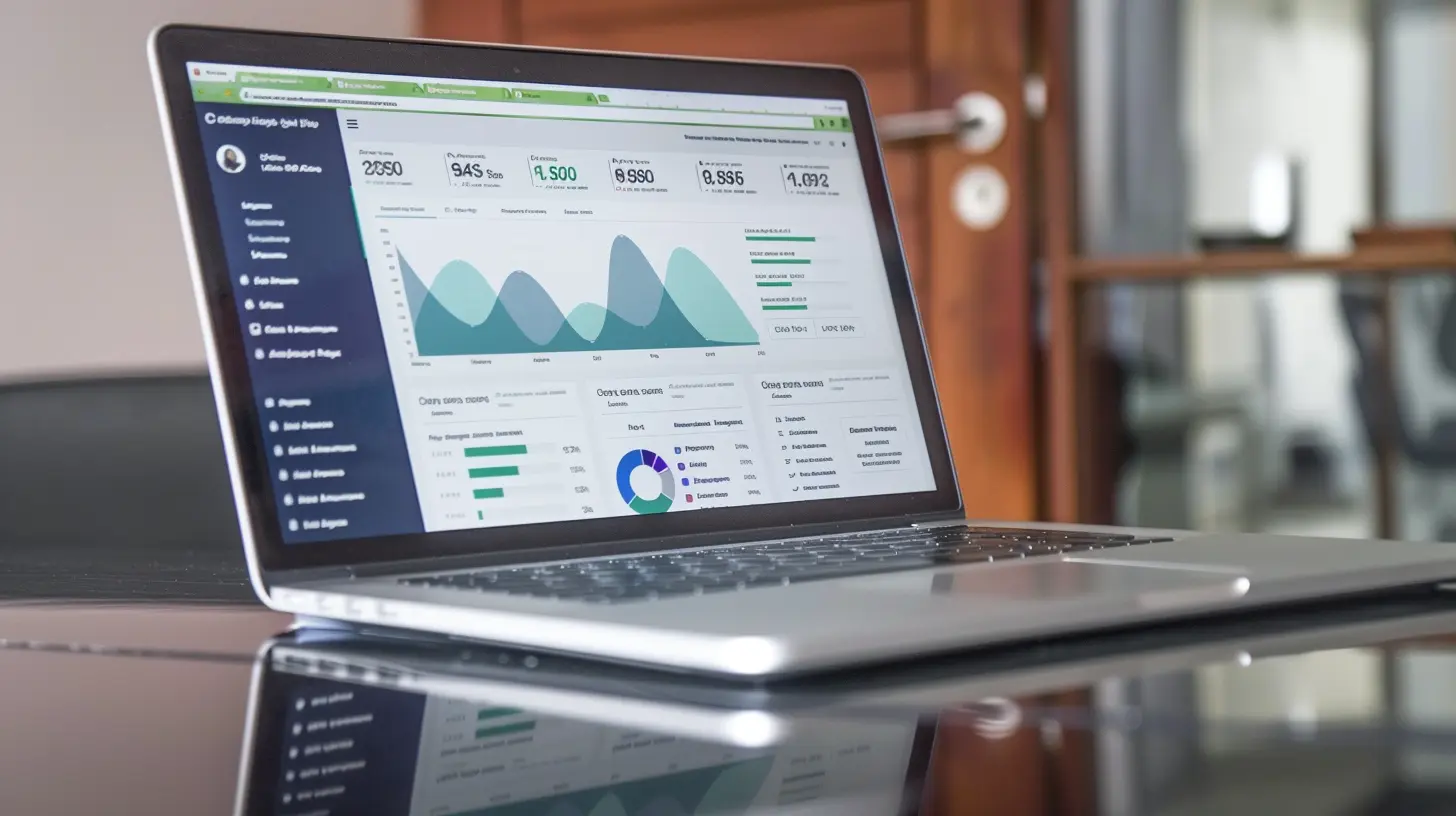
Why Google Analytics is a Game-Changer for Campaigns
If you're serious about growth and conversions, Google Analytics isn't just a tool—it’s a goldmine. It helps you:- Understand User Behavior – Know who your visitors are, what they do, and why they leave.
- Measure Campaign Performance – Track which marketing channels drive the most traffic.
- Optimize Conversions – Identify weak links in your funnel and fix them.
- Track ROI – Determine if your marketing dollars are making an impact.
Pretty powerful, right? Now, let’s dive into how to actually use Google Analytics to make your campaigns better. 
Setting Up Google Analytics for Campaign Tracking
1. Enable Campaign Tracking with UTM Parameters
If you're not using UTM parameters, you’re missing out on game-changing data. UTM parameters are small snippets added to URLs that tell Google Analytics where your traffic is coming from.Example of a UTM-tagged URL:
https://yourwebsite.com/landing-page?utm_source=facebook&utm_medium=cpc&utm_campaign=summer_sale
This URL tells you:
- Source: Facebook
- Medium: CPC (Cost-Per-Click)
- Campaign: Summer Sale
By adding these parameters, you can track exactly which campaigns drive traffic and conversions.
👉 Pro Tip: Use Google’s Campaign URL Builder to easily create UTM-tagged links: Google Campaign URL Builder
2. Set Up Goals and Conversions
Traffic is great, but conversions are what matter. To measure success, set up Goals in Google Analytics.Here’s how:
1. Go to Admin > Goals
2. Click New Goal
3. Select a goal type (destination, duration, pages/screens per session, or events)
4. Define your goal (e.g., when users reach the "Thank You" page after purchasing)
5. Save and track results
This helps you measure what really matters—leads, sales, sign-ups, downloads, and more. 
Digging Through the Data: Key Google Analytics Reports
Once tracking is set up, it's time to decode the data! Here are the key reports you should be checking regularly:1. Audience Report: Know Your Visitors
Who’s visiting your site? Are they the right people? The Audience Report helps you understand:- Demographics (age, gender)
- Geography (where your visitors come from)
- Interests (what they like)
- Devices (mobile vs. desktop)
🧐 Why It Matters: If your campaign targets young professionals but most visitors are teenagers, you need to adjust your targeting strategy.
2. Acquisition Report: Where Is Your Traffic Coming From?
The Acquisition Report reveals which channels drive visitors to your site:- Organic Search – Traffic from Google searches
- Paid Search – Traffic from Google Ads
- Social – Traffic from Facebook, Instagram, Twitter, etc.
- Direct – Visitors who entered your URL manually
- Referral – Traffic from other websites
- Email – Visitors from email campaigns
🧐 Why It Matters: If your PPC ads are bringing in lots of traffic but no conversions, you may need to refine your ad targeting or landing page.
3. Behavior Report: What Are Visitors Doing on Your Site?
Once visitors land on your site, what do they do next? The Behavior Report shows:- Top pages – Which pages get the most visits?
- Bounce rate – How many visitors leave without interacting?
- Avg. session duration – How long do they stay?
🧐 Why It Matters: If your bounce rate is too high, your landing pages may need better content, improved UX, or faster loading times.
4. Conversion Report: Are Your Campaigns Driving Sales?
This is where the magic happens. The Conversion Report helps you see:- Which campaigns generate the most leads, sales, or sign-ups
- How long it takes for visitors to convert
- Which traffic sources drive real revenue
🧐 Why It Matters: If one campaign has a higher conversion rate, analyze what’s working and apply that strategy to other campaigns. 
Optimizing Your Campaigns Using Google Analytics Insights
1. Identify Low-Performing Campaigns & Improve Them
If a campaign isn’t delivering results, take a deep dive into:- Traffic sources – Are you targeting the right audience?
- Landing pages – Do they align with the ad message?
- Call-to-action (CTA) – Is it clear and persuasive?
- Load speed – Slow pages kill conversions.
Small tweaks can turn a failing campaign into a success story.
2. Double Down on What Works
Found a campaign that’s killing it? Scale it up!- Increase the budget for high-performing PPC ads.
- Invest more in traffic sources that bring engaged visitors.
- Repurpose successful content into other formats (videos, infographics, etc.).
Marketing is not about guessing—it’s about leveraging data to maximize success.
3. Improve Your Retargeting Strategies
Google Analytics helps you retarget visitors who didn’t convert. How?- Track users who added products to the cart but didn’t complete the purchase.
- Create custom audiences based on past interactions.
- Target returning visitors with special offers.
Retargeting is like giving customers a friendly nudge—reminding them why they should complete their purchase.
4. Monitor and Adjust in Real-Time
Google Analytics isn’t a set-it-and-forget-it tool. You need to constantly adjust:- If traffic drops, check for algorithm updates or broken links.
- If conversions decline, analyze if your messaging needs tweaking.
- If bounce rates spike, optimize your landing pages.
Be proactive. The sooner you identify issues, the faster you fix them.
Conclusion
Google Analytics is more than just a data tracker—it’s your secret weapon for running high-performing campaigns. By using UTM parameters, tracking conversions, analyzing reports, and optimizing your campaigns based on real insights, you can turn your marketing strategy into a revenue-generating machine.So, are you ready to stop guessing and start making data-driven decisions? Fire up Google Analytics and take your campaigns to the next level!
all images in this post were generated using AI tools
Category:
Digital MarketingAuthor:

Baylor McFarlin
Discussion
rate this article
2 comments
Roxie Jones
Leverage Google Analytics insights to refine your marketing strategies effectively.
January 25, 2026 at 12:12 PM
Baylor McFarlin
Absolutely! Google Analytics provides valuable data that can help you identify trends and optimize your campaigns for better performance.
Lys Warner
Great insights! Google Analytics is essential for data-driven decisions. Regularly reviewing metrics can significantly enhance campaign performance and drive better results. Keep it up!
January 12, 2026 at 7:26 PM
Baylor McFarlin
Thank you! I'm glad you found the insights helpful. Regular metric reviews are indeed key to optimizing campaign performance!